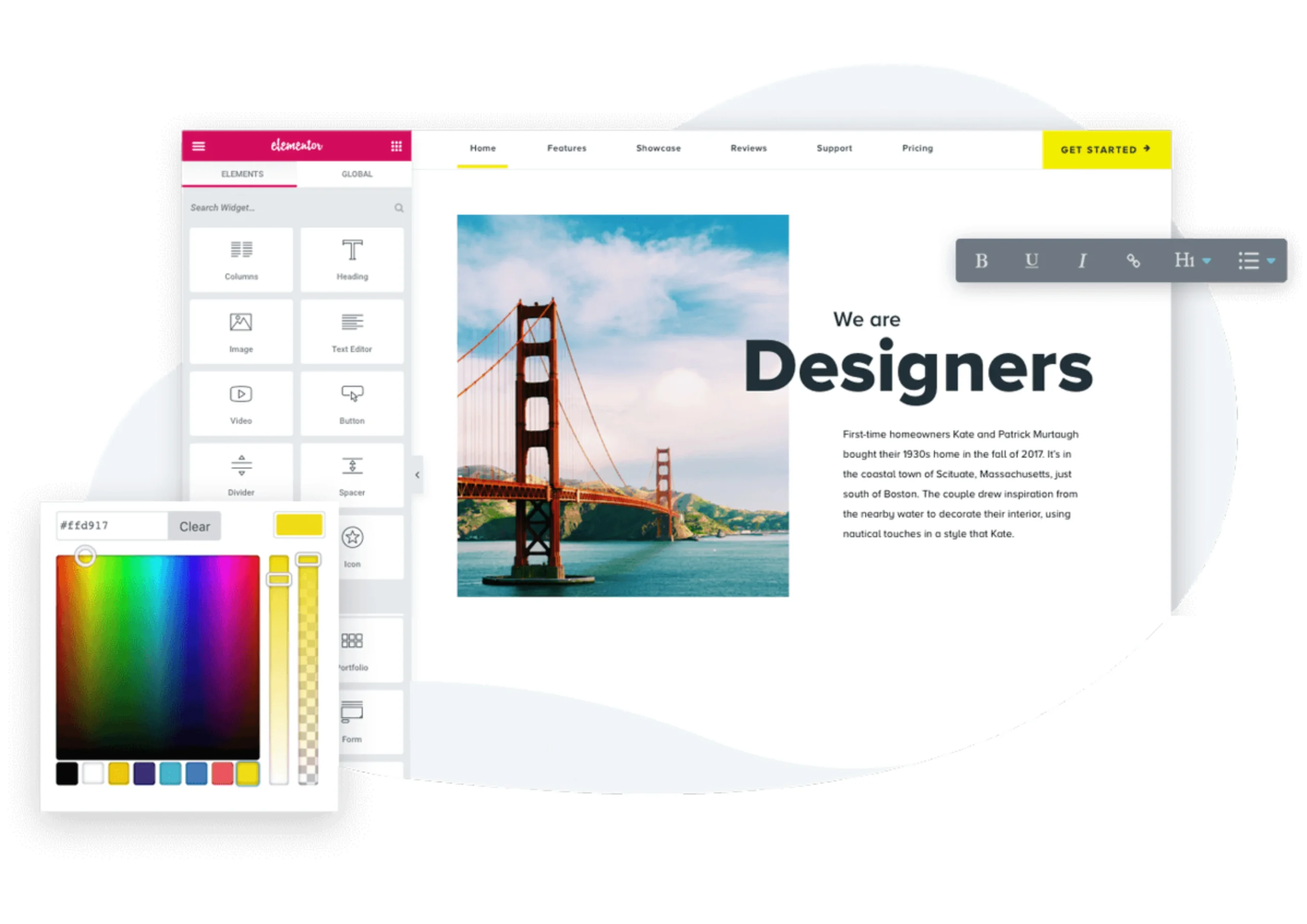

Elementor Free is one of the most popular WordPress page builders, allowing beginners to create professional websites with minimal to no code. While it’s a great starting point, it has several limitations that can make building advanced, professional, or e-commerce websites challenging.
Understanding these limitations is essential for beginners, freelancers, and small business owners who want to decide whether to continue with Elementor Free, upgrade to Elementor Pro, or try alternatives like Elementor.org (Pro Elements).
1. Limited Design and Layout Options
Elementor Free does not include a Theme Builder, which is essential for creating global templates across your website. Without it:
- You cannot design headers, footers, single posts, archive pages, or WooCommerce layouts globally.
- Each page must be designed individually, making it difficult to maintain consistent design and branding.
- Advanced layout features like custom breakpoints and flexible column positioning are unavailable.
Why it matters: Without Theme Builder, scaling your website or maintaining a professional look becomes time-consuming.
2. Basic Widgets Only
Elementor Free comes with standard widgets such as text, images, headings, and buttons. However:
- Advanced widgets like pricing tables, portfolios, slides, posts, and WooCommerce elements are missing.
- Adding these features requires multiple third-party plugins, which can slow down your site and cause compatibility issues.
Why it matters: Limited widgets reduce flexibility and design options, especially for more complex websites.
3. No Theme or Popup Builder
Elementor Free does not include site-wide popups or reusable template functionality.
- Marketing tools like popups, sticky elements, or conditional display rules require external plugins.
- Using multiple plugins increases site complexity and maintenance effort, especially for beginners.
Why it matters: Without popups or template capabilities, running professional marketing campaigns is harder.
4. Limited Form Functionality
Forms are critical for lead generation and user engagement, but Elementor Free forms are basic:
- You cannot send form data to external APIs, save submissions in custom databases, or trigger automated workflows.
- Advanced forms require third-party plugins, adding extra steps and potential conflicts.
Why it matters: Websites relying on lead collection or automation cannot fully function with Elementor Free forms alone.
5. No Dynamic Content Support
Dynamic content allows websites to display content based on user actions or database entries, but Elementor Free has no native support for:
- ACF, PODS, Meta Box, or other custom field systems
- Displaying user-specific content or custom post types
- Automated, data-driven layouts
Why it matters: Without dynamic content support, creating blogs, portfolios, or custom applications becomes difficult without extra plugins.
6. Limited WooCommerce Integration
Elementor Free does not provide tools for advanced e-commerce customization:
- You cannot design product pages, archives, carts, or checkout layouts.
- Professional WooCommerce functionality requires Elementor Pro or multiple additional plugins.
Why it matters: Creating a professional online store is time-consuming and plugin-heavy with Elementor Free alone.
7. Limited Developer Tools
For developers, Elementor Free lacks hooks, filters, and widget-building capabilities:
- Custom widgets, dynamic modules, or site-wide logic cannot be created natively.
- Using extra plugins for these features can introduce performance and security risks.
Why it matters: Limited developer tools restrict your ability to extend Elementor Free for advanced functionality.
8. Marketing and Automation Limitations
Marketing and automation tools are essential for engaging visitors and running campaigns:
- Features like conditional display rules, sticky elements, or advanced popups are not available.
- Advanced marketing functionality requires third-party plugins, adding maintenance complexity.
Why it matters: Without built-in marketing tools, creating professional campaigns or personalized experiences becomes cumbersome.
9. Custom Code Limitations
Elementor Free does not allow native integration of custom PHP, JavaScript, or CSS at a global level:
- You cannot add custom backend logic such as automated workflows, data validation, or custom database operations.
- Custom Elementor widgets, dynamic modules, or global hooks are not supported.
- Workarounds often require extra third-party plugins, which can affect site performance, security, and maintainability.
Why it matters: Without the ability to add custom code natively, developers cannot implement advanced features efficiently, and beginners may struggle if they rely on external plugins for functionality that Pro or Elementor.org provides out of the box.
10. No Global CSS or Design System Support
- Elementor Free does not allow global CSS variables or a site-wide design system.
- Styling must be applied manually to each element, which is time-consuming and inconsistent.
- Advanced global styling, such as brand colors, fonts, and reusable design tokens, requires extra plugins or Elementor Pro.
Why it matters: Without global CSS or design system support, maintaining brand consistency across multiple pages becomes difficult, especially for larger sites.
11. No Revision or Version Control for Templates
- Elementor Free has limited revision history for individual pages.
- There is no system to manage template versions globally.
- Undoing changes for headers, footers, or repeated templates requires manual fixes.
Why it matters: For professional projects, especially team environments, lack of template version control increases the risk of accidental design changes and makes site management harder.
12. Limited Integration with Marketing Tools
- Elementor Free cannot natively integrate with email marketing tools, CRM systems, or automation platforms.
- All integrations require external plugins, which may lead to compatibility issues and additional maintenance.
Why it matters: Marketing-driven websites or lead generation projects are harder to manage and scale without built-in integrations.
CONCLUSION
Elementor Free is perfect for beginners or small projects, but its limitations make it less suitable for:
- Advanced or dynamic websites
- Professional e-commerce stores
- Marketing-driven websites
- Developer-friendly, scalable projects
For those looking to overcome these limitations without relying heavily on extra plugins, alternatives like Elementor Pro or Elementor.org (Pro Elements) are recommended. You can start with A Practical and Cost-Effective Alternative to Elementor Pro